Put an email address on your phone's lock screen
A stranger who finds your locked phone has no way to reach you — unless the way is printed on the screen they're already looking at.
eric has done this
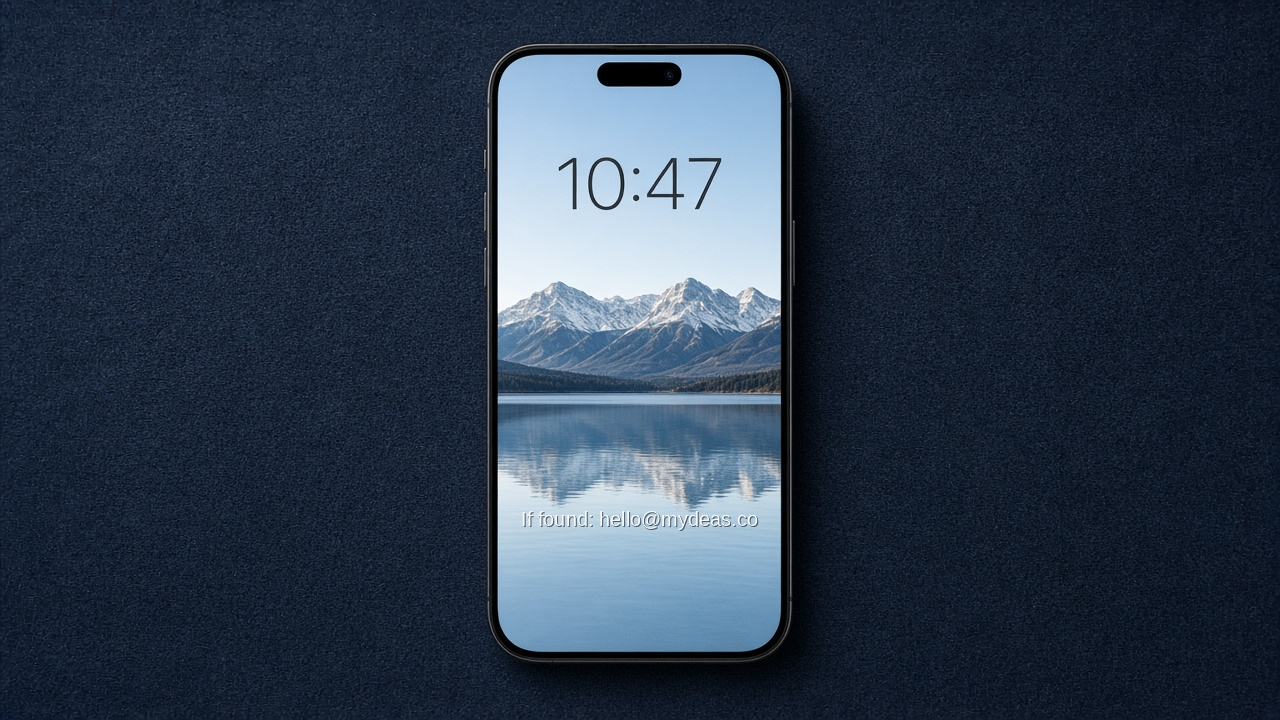
Your phone slides out of your pocket on a bus seat. Someone decent finds it ninety seconds later and genuinely wants to give it back. They pick it up, press the button, and get a photo of your kids and a passcode prompt. There is no way for them to contact you. So it goes to a lost-and-found bin, or nowhere.
Find My works when the phone is on, online, and not wiped. This works when a human is holding it.
What you need
- Your phone.
- An email address you can check without this phone — a spouse's, or a webmail you know the password to. Not a phone number, if the phone in question is the one that number rings.
Do this
- Write the line you want visible. Short is better:
If found: eric@example.com— that's it. No home address. - iPhone: open Photos, pick your wallpaper image, tap Edit → Markup, add a text box near the bottom, then save a copy and set it as the Lock Screen wallpaper. Any free 'add text to photo' app does this too.
- Android: Settings → Display → Lock screen → Add text on lock screen (wording varies by maker, but nearly all have it natively).
- Also fill in the Medical ID / emergency info while you're there — it's reachable from the locked screen and is the other thing a stranger or a paramedic can actually use.
- Do the same on your kids' devices, with your email, not theirs.
What changes
Anyone who picks up your phone can reach you in one step. Test it by locking the phone and looking at it the way a stranger would — if you have to squint or the clock covers the text, move it lower.